4. Define the conditions
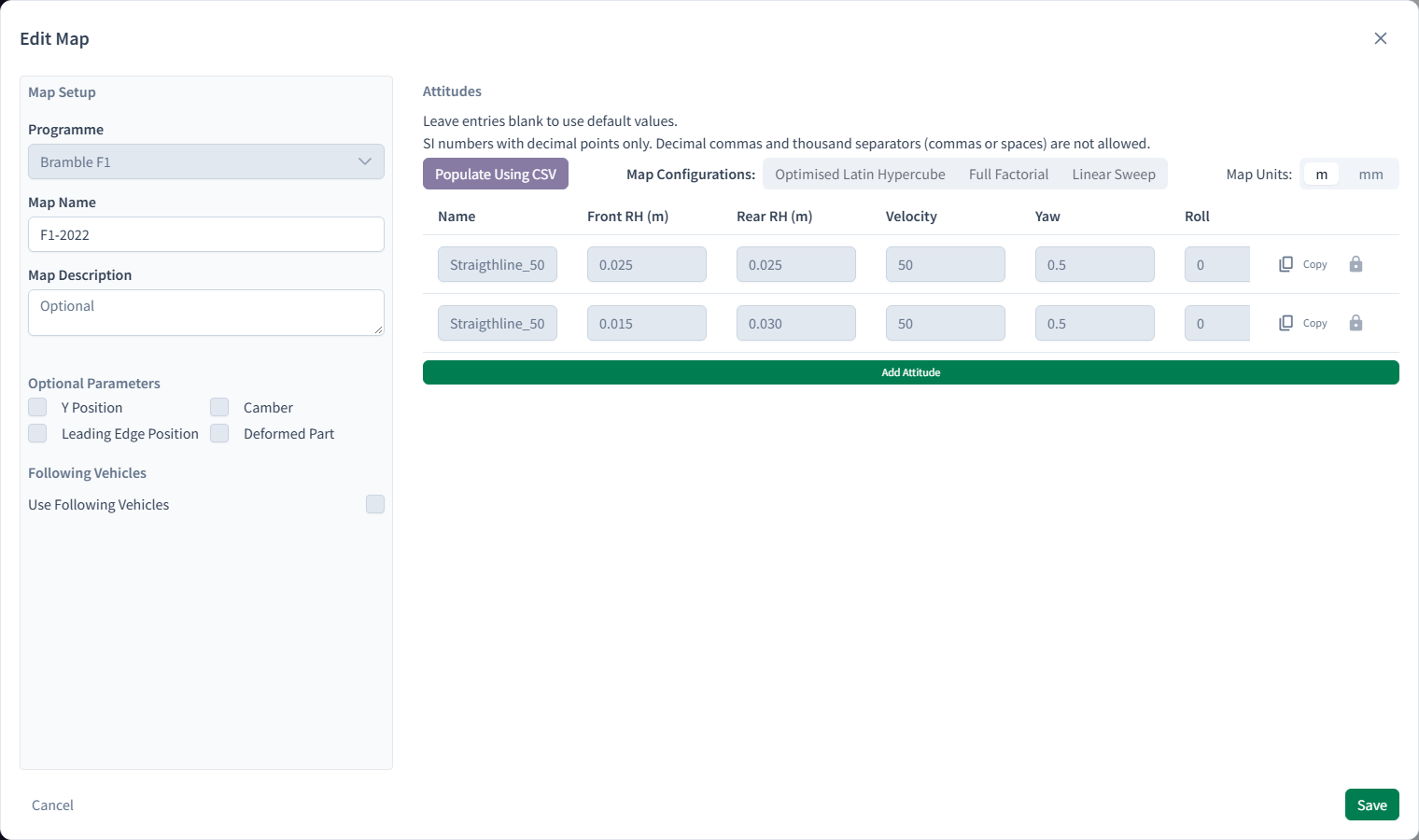
Two pieces of configuration describe the conditions:
- a Map lists the conditions to simulate. Each row becomes an Attitude, one CFD simulation.
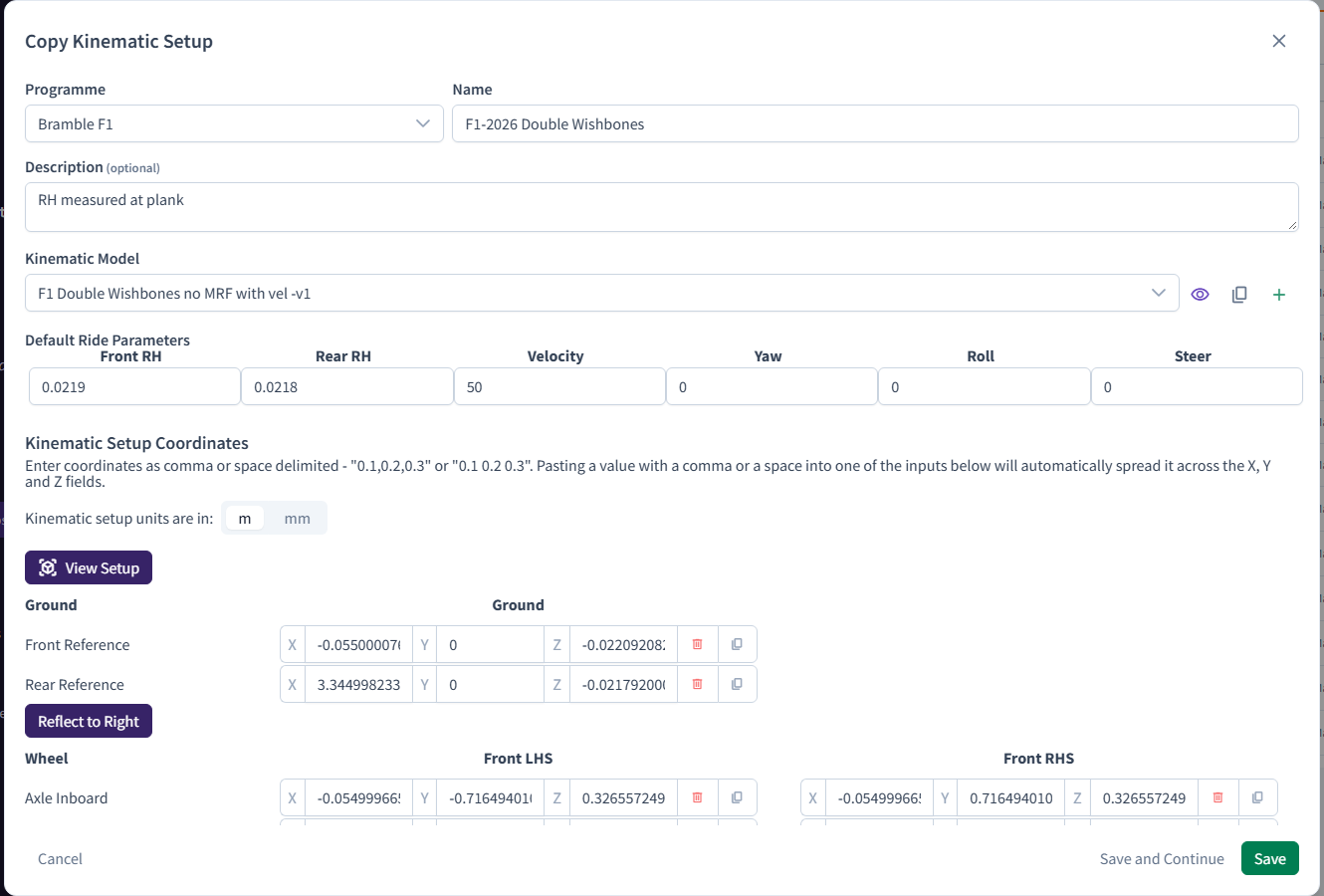
- a Kinematic Setup says how the model is positioned and moved for those conditions.
For this tutorial you'll simulate one condition, 50 m/s straight ahead.
Create the Map
- In the sidebar, under Setup & CAD, click Maps.
- Click New Map.
- In Create Map, check that Programme is
DEMO, then enter:- Map Name:
Front wing 50 m/s - Map Description:
Single attitude at 50 m/s
- Map Name:
- Click Add Attitude. In the new row, enter:
- Name:
v50 - Velocity:
50, in m/s - Front RH, Rear RH, Yaw, Roll and Steer:
0
- Name:
- Click Save.
One row, one simulation
Every row you add to a Map becomes a separate Attitude with its own forces and postpro. A velocity sweep would just be more rows. Bramble can also generate sweeps for you.
Create the Kinematic Setup
- In the sidebar, click Kinematic Setups.
- Click New Kinematic Setup.
- In Create Kinematic Setup, check that Programme is
DEMO, then enter:- Name:
Front wing - Description:
Tutorial wing pitch setup - Kinematic Model:
Wing Pitch Model. Every new Account has this model. If it isn't listed on an older Account, contact support@bramblecfd.com.
- Name:
- Under Default Ride Parameters, set Velocity to
50and every other parameter to0. These are the defaults for any Attitude that doesn't set its own value, and every box must be filled in. - Under Kinematic Setup Coordinates, fill in the two rows:
- Axis Rhs:
(0, 1, 0) - Axis Lhs:
(0, -1, 0)
- Axis Rhs:
- Click Save.
Is a Map or Kinematic Setup always needed?
No. A Run without a Map gets a single Attitude, with its velocity taken from the Template Case. We use both here so you've seen them. Almost every real project uses Maps to run several conditions.
Checkpoint
You have a Map, Front wing 50 m/s, with one Attitude, and a Kinematic Setup, Front wing.
To learn more about Maps and Kinematic Setups, see simulation configuration.