Your first simulation: an isolated front wing
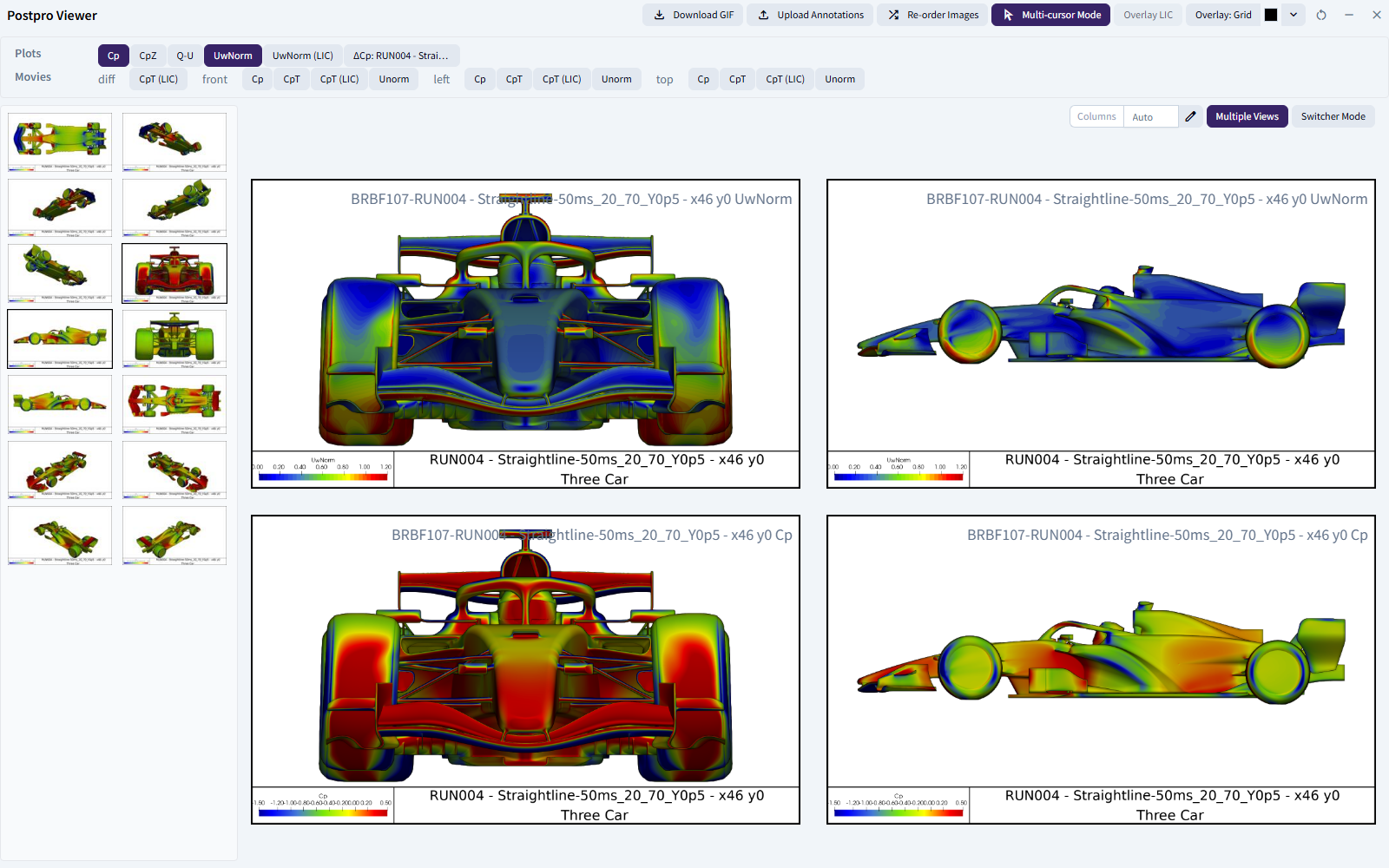
In this tutorial you'll run a steady RANS simulation of an isolated racing-car front wing at 50 m/s. Then you'll look at its forces and flow images. Along the way you'll use every building block of a Bramble simulation once, so you'll know where everything lives when you set up your own.
What you'll do
- Organise your work: create a Programme and a Project.
- Add the geometry: upload the front wing as a Part and put it in an Assembly.
- Add a Template Case: upload the CFD recipe.
- Define the conditions: create a Map and a Kinematic Setup.
- Create the Run: bring it all together and choose the solver.
- Launch the simulation: run the pre-checks, then mesh and solve.
- Review the results: look at the forces and postpro, and sign off.
The setup takes about 20–30 minutes. After that, the solve runs on Bramble's HPC queues, so you can leave it and come back.
Before you start
You'll need:
- A Bramble account and login, as a User with full access. Restricted (read-only) Users can't open the setup pages this tutorial uses. If you don't have an account, email support@bramblecfd.com.
- Credit on your Account. Running the simulation uses Account credit. If you're not sure you have enough, ask your Account admin.
- The example data. Download it now and unzip it somewhere you can find it:
The zip contains:
| File | What it is |
|---|---|
front-wing.stl |
The front-wing geometry |
isolated-front-wing.py |
A Template Case for an isolated wing, set up for a steady RANS solve with OpenFOAM |
When you're ready, start with step 1: organise your work.