Create a Project
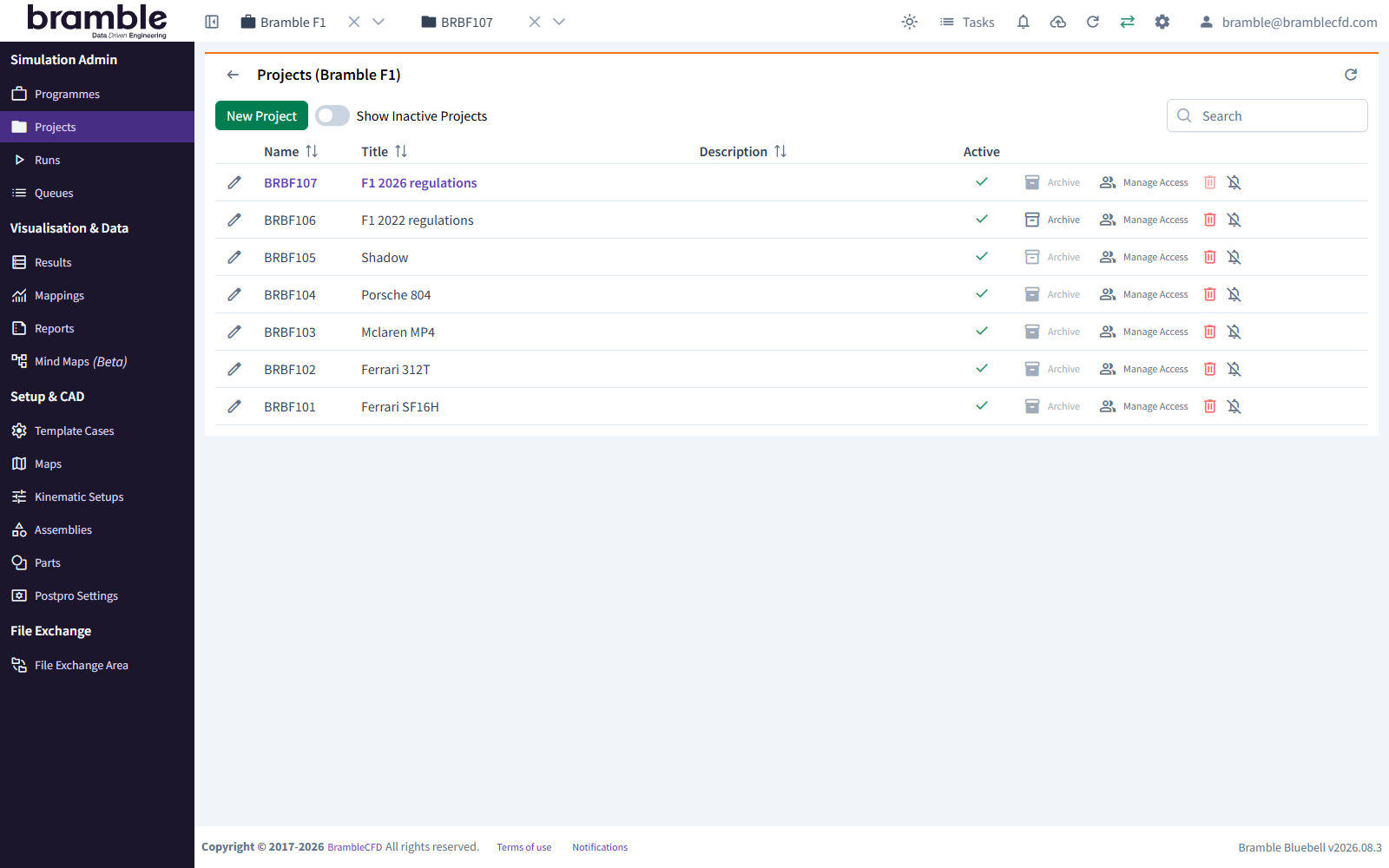
A Project groups related Runs inside a Programme, for example one line of development or a set of Runs you want to compare.
Before you start
Select the Programme in the header's Select a Programme dropdown. Until you do, the Projects page shows "No Programme Selected".
- In the sidebar, under Simulation Admin, click Projects.
- Click New Project.
-
Fill in Create New Project:
Field Required Notes Programme Yes Defaults to the Programme selected in the header Code Only if shown Appears only on Accounts that use Project codes Title Yes Up to 120 characters Description No Up to 500 characters -
Click Confirm.
Bramble names the Project automatically from the Programme code and the next free number, e.g. PROG01, then
PROG02. Select it in the header's Select a Project dropdown to start creating Runs in it.
Related: Create a Programme · Create a Run · Project organisation