Create a Programme
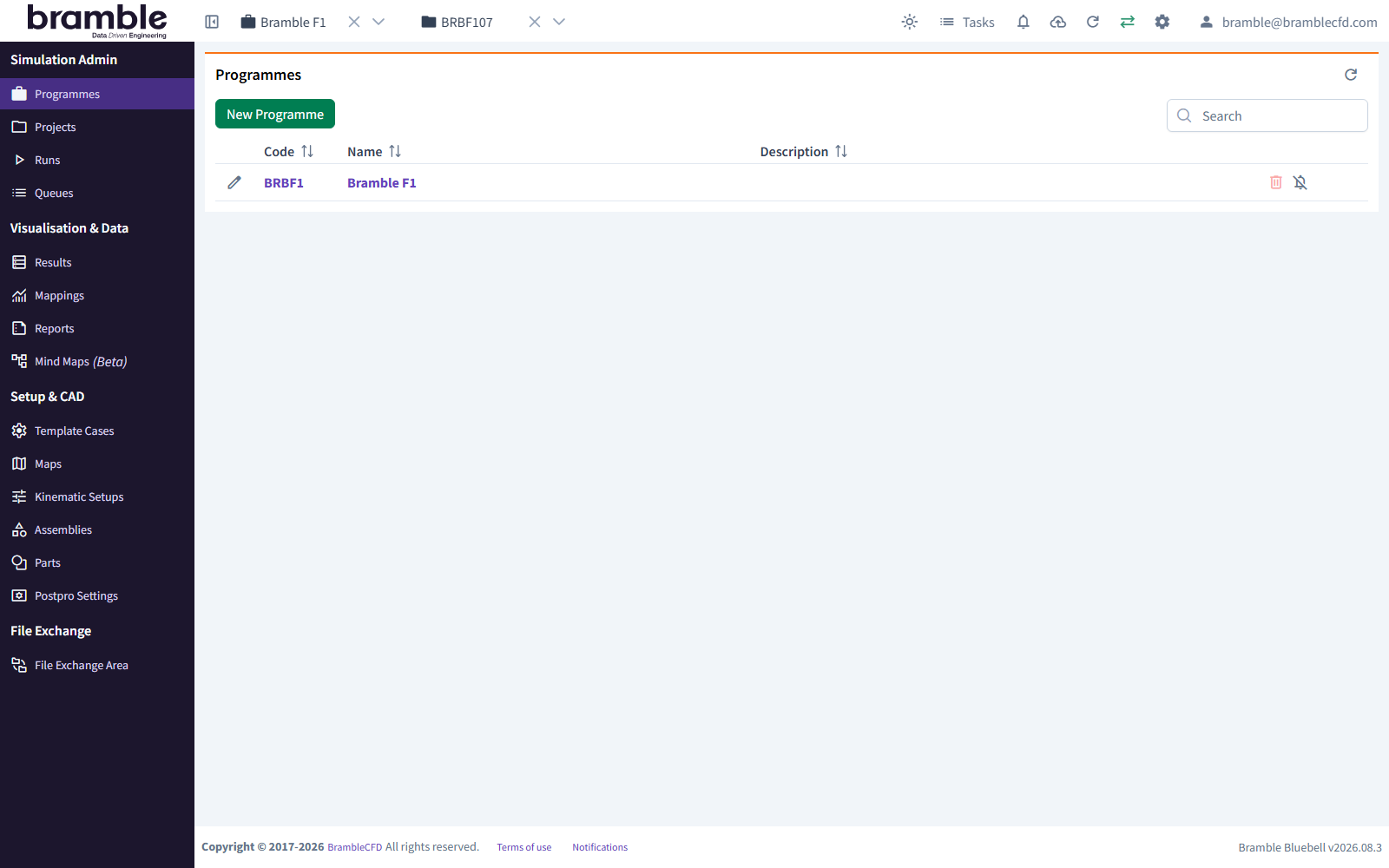
A Programme is the top level of organisation in Bramble. It holds Projects and the resources they share, such as Parts, Template Cases, Maps and Kinematic Setups.
Before you start
You need a User with full access. Restricted Users can't create Programmes.
- In the sidebar, under Simulation Admin, click Programmes.
- Click New Programme.
-
Fill in Create New Programme:
Field Required Notes Code Yes Up to 10 letters, digits or _. Must be unique. Used to name the Programme's Projects, e.g.PROG→PROG01. Keep it short and recognisableName Yes Up to 100 characters. Must be unique Description No Up to 200 characters -
Click Create Programme.
To work in the new Programme, select it from the Select a Programme dropdown in the header, or click it in the Programmes table.
Related: Create a Project · Project organisation